LocArk
Published · Updated · LocArk Team · Product · 7 min read
Local-First Knowledge Management: A Practical Guide to Owning Your Data
Learn how local-first knowledge management keeps work available offline, separates workspace storage from third-party sync, and gives you clearer backup and export choices.
Local-first knowledge management keeps the primary working copy of your information in a location you control and makes core work available without depending on a hosted workspace. It can reduce network and account dependencies, but it does not automatically guarantee open formats, conflict-free synchronization, complete privacy, or reliable backups.
Those outcomes depend on the product’s storage model, encryption boundary, export behavior, and recovery workflow. A useful evaluation starts with those concrete details rather than a broad “local-first” label.
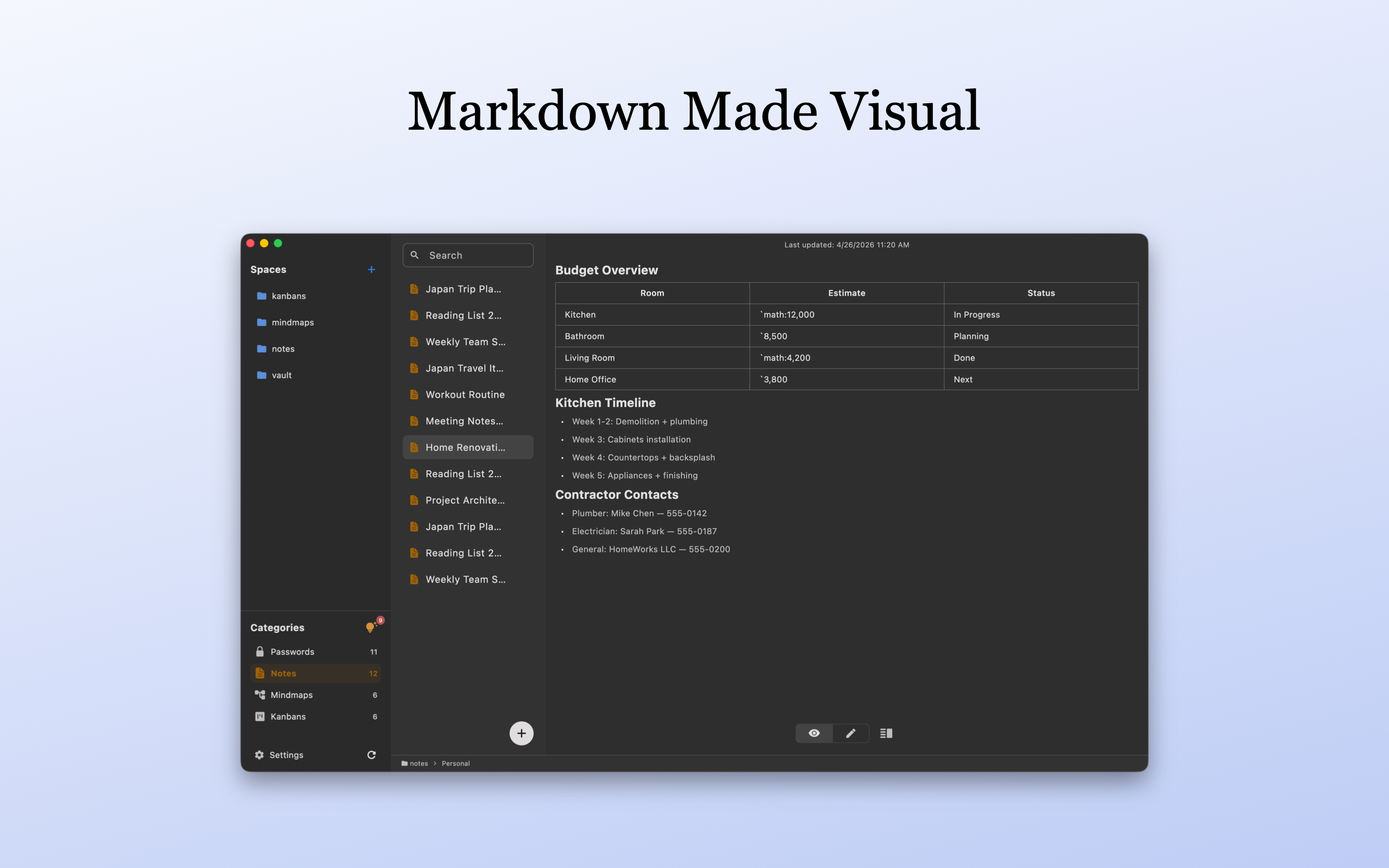
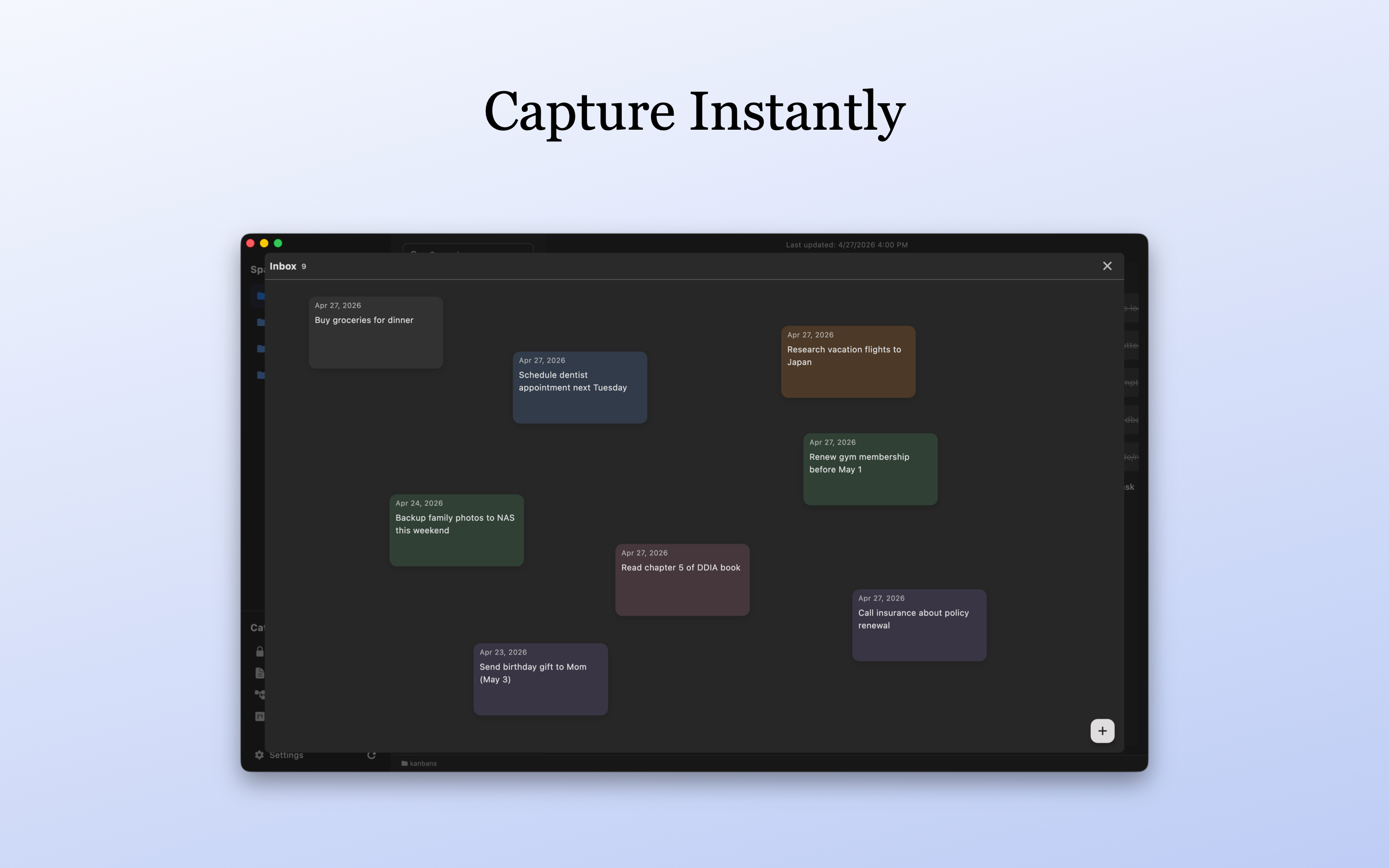
LocArk applies this model to a private personal workspace for notes, passwords, kanban boards, mind maps, and Inbox capture. New workspaces use local encryption and master-password protection, and the user chooses where the workspace is stored. LocArk does not provide a hosted workspace or built-in cloud synchronization service.
Understanding Local-First Knowledge Management
Local-first software represents a paradigm shift from cloud-centric to user-centric data ownership. Unlike traditional cloud applications where your data lives on someone else’s servers, local-first tools prioritize local storage while maintaining the benefits of modern software design.
The Problems with Cloud-First Knowledge Tools
When core knowledge work depends entirely on a hosted service, the workflow may also depend on:
- Network availability: Access and editing may be limited during outages or poor connectivity
- Account access: Authentication, policy, or service availability becomes part of the recovery path
- Export behavior: Available formats and export completeness determine how easily data can move
- Service terms: Plan limits, pricing, and supported features can change over time
What “Local-First” Means in Practice
Local-first knowledge management is a comprehensive approach to data sovereignty that puts you in control:
Complete Offline Functionality
- Your notes, passwords, and project data work with zero network connectivity
- Full-featured editing, searching, and organizing without internet dependencies
- Instant responsiveness without server round-trips
Data Ownership and Control
- Choose exactly where your knowledge lives on your file system
- Markdown editing and export support long-term accessibility
- Sync solutions you trust (or no sync at all)
- Export paths reduce dependence on any single workspace application
Cross-Platform Availability
- Native applications for macOS, Windows, iPhone, iPad, and Android
- Current platform-specific availability should be checked on the download page
- Core workspace access remains local-first across supported platforms
Why Local-First Knowledge Management Matters More Than Ever
Clearer Privacy Boundaries
Local-first storage reduces the need to place the primary workspace in a vendor-hosted service, but privacy still depends on every tool involved in the data path:
- No hosted LocArk workspace: Your private workspace data is not stored in a LocArk cloud service
- User-controlled sharing: Your notes leave your storage only when you choose to export, share, or sync them through tools you control
- Separate sync decisions: iCloud Drive, Dropbox, OneDrive, Git, or another sync location remains a separate service with its own security and recovery model
Long-Term Accessibility and Digital Legacy
Long-term access requires more than keeping files on one device. A durable workflow combines:
- Independent native backups: Keep protected copies of the complete
locark_datadirectory outside the primary device or synchronized folder - Portable exports: Create readable copies when needed for inspection or migration, protect any retained copies, and remove unneeded exports
- Restore testing: Verify that a native backup can be opened in a separate test location without overwriting the working workspace
- Documented ownership: Record the workspace location, backup destination, and recovery steps
Practical Offline Benefits
Keeping the working copy local provides several practical benefits:
- Local search and editing: Core operations do not require a server round trip
- Offline availability: Existing workspace content remains available without a network connection
- User-selected storage: The workspace can fit an existing local backup or third-party sync routine
- Clear service boundaries: A remote outage does not prevent LocArk from opening the local working copy
What LocArk Provides Today
Rather than forcing you to juggle multiple specialized tools, LocArk provides an integrated workspace that handles the core pillars of personal knowledge management:
Core Knowledge Management Features
📝 Notes
- Markdown editing and preview
- Full-text search across note titles and content
- Image references and pasted local images
- Organization through Spaces, Categories, and nested folders
- Local history recovery for supported document changes
🔐 Encrypted Password Management
- Local encryption for sensitive credentials
- Secure password generation with customizable rules
- Organized credential categories and folders
- No hosted LocArk cloud storage; third-party sync remains the user’s choice
- Customizable password templates
📋 Visual Project Management (Kanban) - Pro Feature
- Flexible board layouts for task organization
- Drag-and-drop workflow management
- Custom columns, priorities, and due dates
🧠 Mind Mapping for Visual Thinking - Pro Feature
- Visual brainstorming and idea organization
- Hierarchical and non-linear thought connections
- Export capabilities for sharing and presentation
Technical Implementation: How LocArk Works
File System Architecture
LocArk stores workspace data under a project-oriented local directory:
Your-Chosen-Directory/
└── locark_data/
    ├── Personal/       # A Space for mixed document types
    ├── Research/       # A Space with its own folders
    └── Projects/       # Project-specific folders and documents
Security and Privacy
- User-Controlled Storage: Workspace data remains in the location you choose
- Local Encryption: New workspaces use local encryption and master-password protection
Backup and Synchronization
Flexible Sync Options
- Place the workspace in a user-selected local or synchronized folder that is supported by the operating system
- Treat iCloud Drive, Dropbox, OneDrive, Git, or another synchronization tool as a separate service
- Keep an independent backup instead of treating synchronization as the only recovery mechanism
- Avoid editing the same workspace concurrently on multiple devices when the synchronization state is uncertain
- Test a small restore before relying on a backup workflow
For a native recovery copy, let pending writes finish, close LocArk, and back up the complete locark_data directory, including hidden entries, images, and nested folders. If the workspace is synchronized, confirm that its files are fully available locally first. Follow the encrypted workspace backup and recovery drill with non-sensitive sample content.
Getting Started with LocArk
LocArk Free Edition
The free tier currently includes:
- ✅ Notes: Markdown editing, preview, search, images, and folder organization
- ✅ Passwords: Structured credential entries, secure generation, quick copy, and auto-lock
- ✅ Inbox: Local quick capture
- ✅ Basic Templates: Up to 2 custom password templates
- ✅ Workspace Organization: Spaces, categories, and nested folders
- ✅ Core Security: Local encryption and user-controlled storage
LocArk Pro Edition
With a valid Pro entitlement, users can additionally:
- ✅ Create Mind Maps: Build visual structures from a central topic
- ✅ Create Kanban Boards: Use custom columns, priorities, due dates, and completion state
- ✅ Unlimited Templates: Create more than 2 custom password templates
Current prices and purchase-channel terms are maintained on the pricing page.
Migration from Other Tools
Notes: Import supported Markdown files, multiple files, or directories as notes. Test a small sample before importing an important collection.
Passwords: Import supported 1Password CSV, Bitwarden CSV, or generic CSV data after checking field mappings.
Other Workspaces: LocArk does not convert a complete Notion, Evernote, task-management, or knowledge-base workspace automatically. Recreate unsupported structures manually and verify the result.
Exports: Export readable content as a standard ZIP or password-protected ZIP for inspection or migration. Notes use Markdown content, while other item types are converted to readable text structures. Neither format replaces a native workspace backup or guarantees that every app-specific behavior can be imported back unchanged.
Standard ZIP exports contain plaintext. Protect the export destination and any retained copies according to their contents, including password records. Remove unneeded exports and account for copies retained by synchronization or backup tools. A password-protected ZIP has a different protection boundary from the encrypted workspace; review the documented export security boundary before exporting real content.
The Future of Local-First Knowledge Management
The movement toward local-first software isn’t a temporary trend—it’s a fundamental shift driven by:
- Privacy awareness: More users want a clear account of where personal data is stored
- Service resilience: Offline access reduces dependence on a single hosted workspace
- Portability expectations: Export and backup behavior increasingly influence tool selection
- Local device capability: Modern devices can support responsive personal knowledge workflows without a remote server for every operation
Conclusion: Your Knowledge, Your Control
Local-first knowledge management is most useful when its boundaries are explicit. Local storage improves offline access and user control, but encryption, synchronization, backups, and exports still require deliberate choices.
LocArk provides a private local workspace without requiring a hosted LocArk account for core knowledge work. Users remain responsible for choosing a suitable storage location, maintaining backups, and evaluating any third-party synchronization service they add.
Start with non-sensitive sample material, confirm offline behavior, and test a separate native backup and restore before moving important information. Create and inspect an export when you need a portable copy.
Ready to take control of your knowledge? Download LocArk and start your local-first journey today. Choose the official build for your supported platform.
Interested in advanced features? View current plan details for kanban creation, mind map creation, and expanded password templates.