 LocArk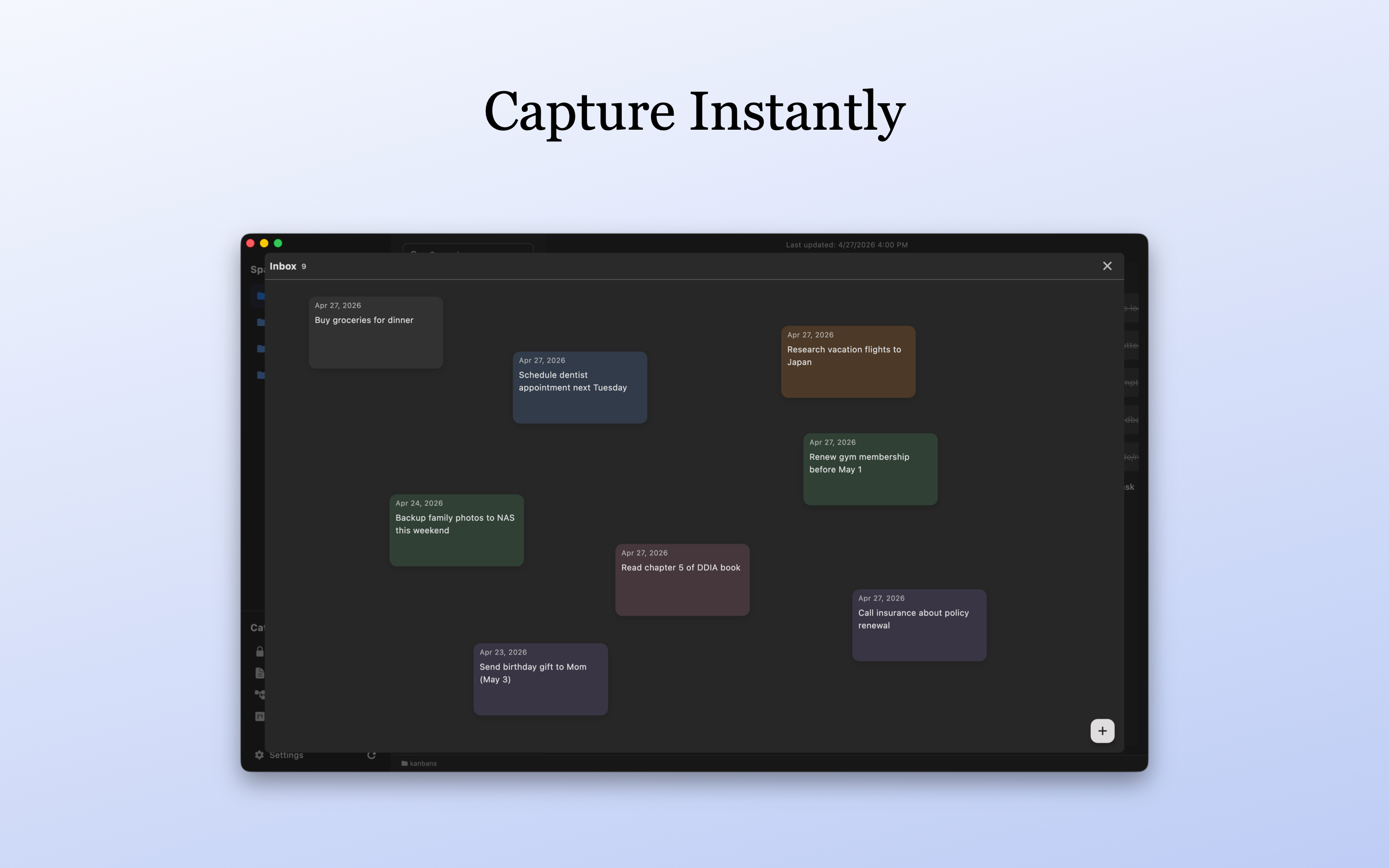
Encrypted Offline Notes: A Practical Storage, Backup, and Recovery Workflow
A practical LocArk workflow that separates encrypted storage, optional folder sync, independent backups, readable exports, and a safe restore test.
Start with free offline notes and a password vault, then add Pro kanban and mind maps when you need more structure. Keep the same workspace structure and core workflow on macOS, Windows, iPhone, iPad, and Android.
Spaces, categories, and folders
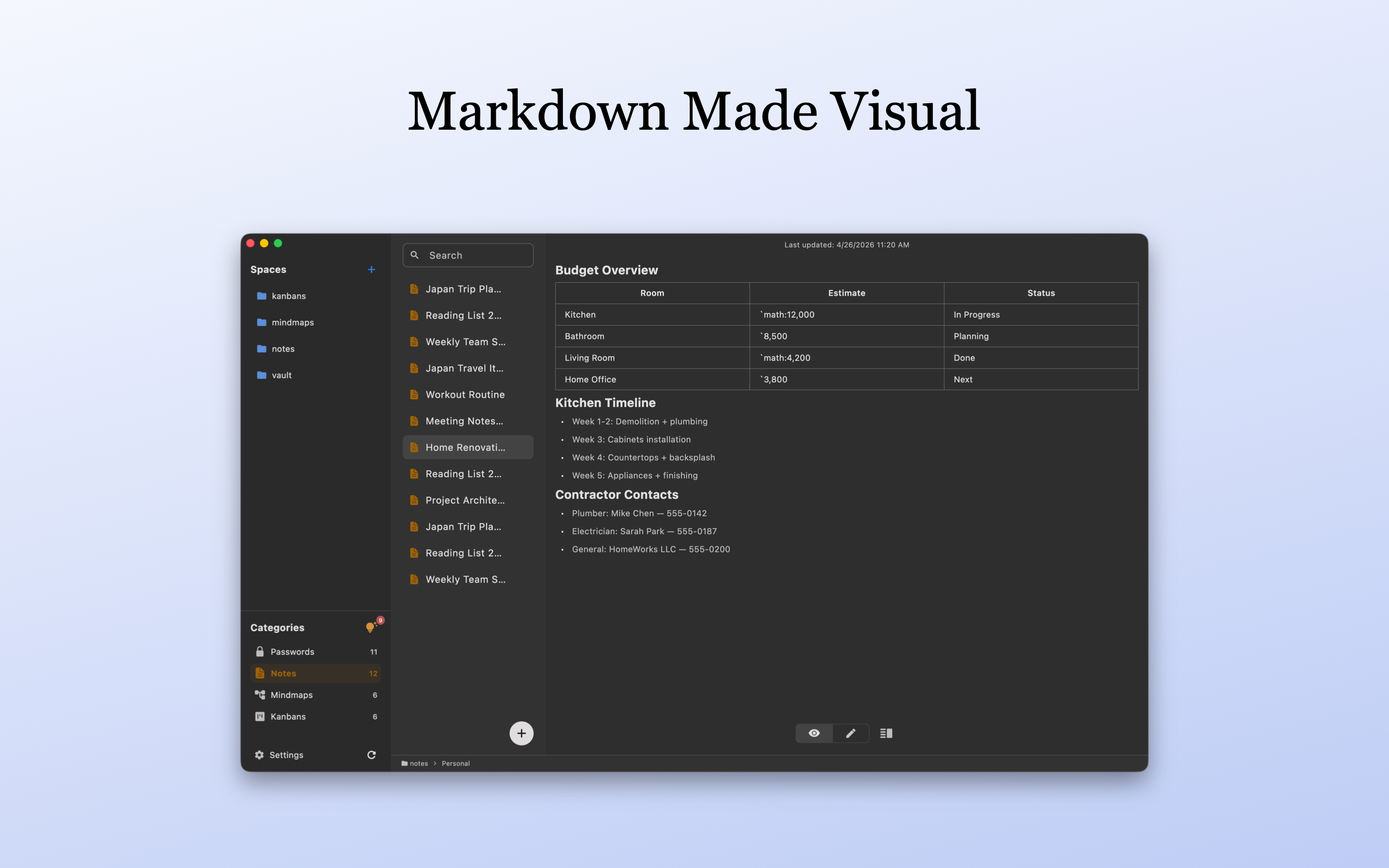
Use spaces and nested folders for projects, then filter by category when you need one content type.
Notes, password records, kanban boards, and mind maps share the same workspace structure instead of forcing you to reorganize across separate tools.
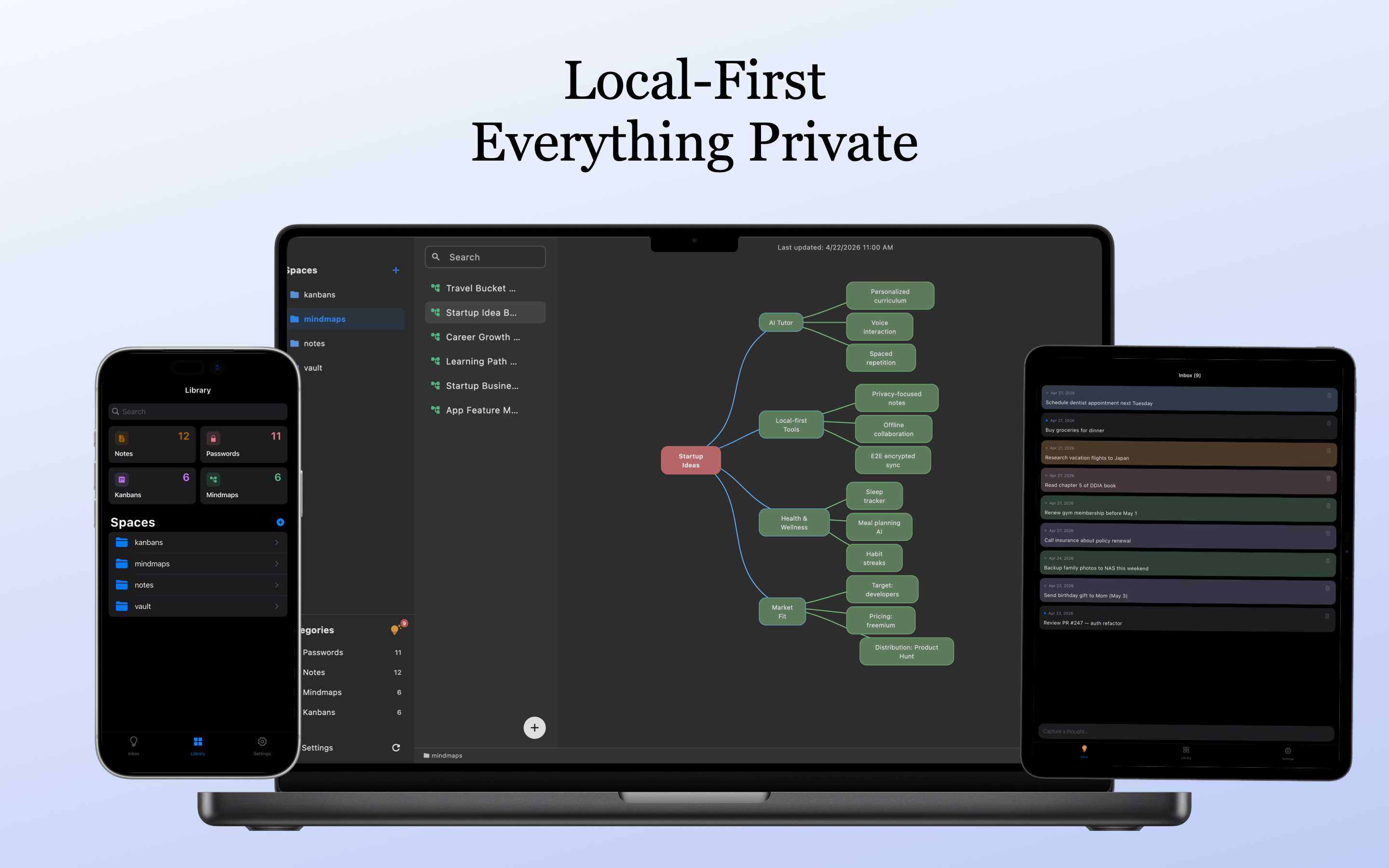
Desktop layouts prioritize multi-column browsing and keyboard efficiency; mobile layouts prioritize quick access, search, and capture while keeping the same workspace structure.
Start with offline notes and a password vault before you need any Pro tools
Use Markdown editing, search, local images, and history recovery for free; new workspaces use local encryption and a master password.
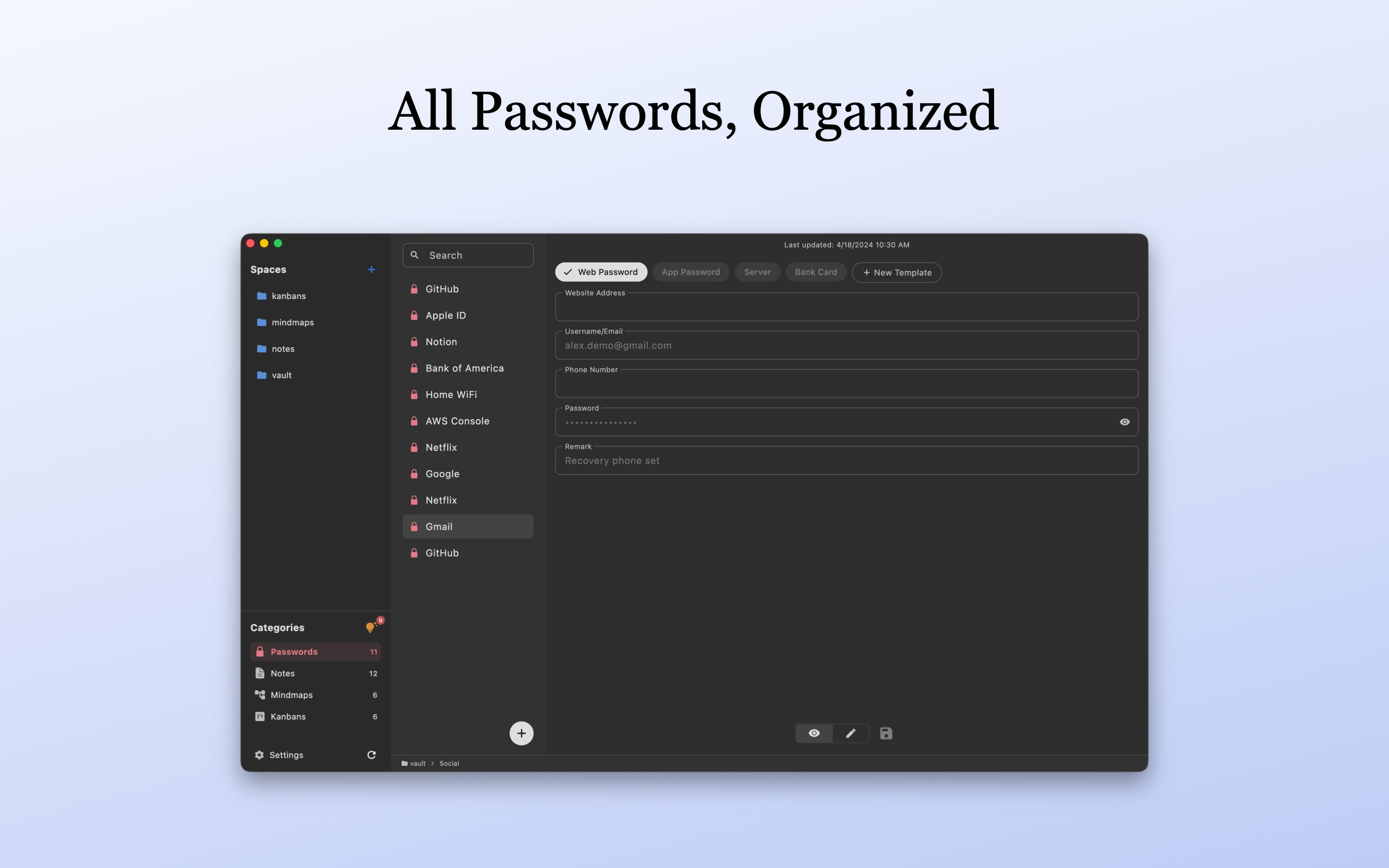
Store website logins, app credentials, and private records for free, with password generation, quick copy, auto-lock, and clipboard clearing.
Use personal kanban boards for tasks and mind maps for ideas; existing content stays viewable and editable after downgrade
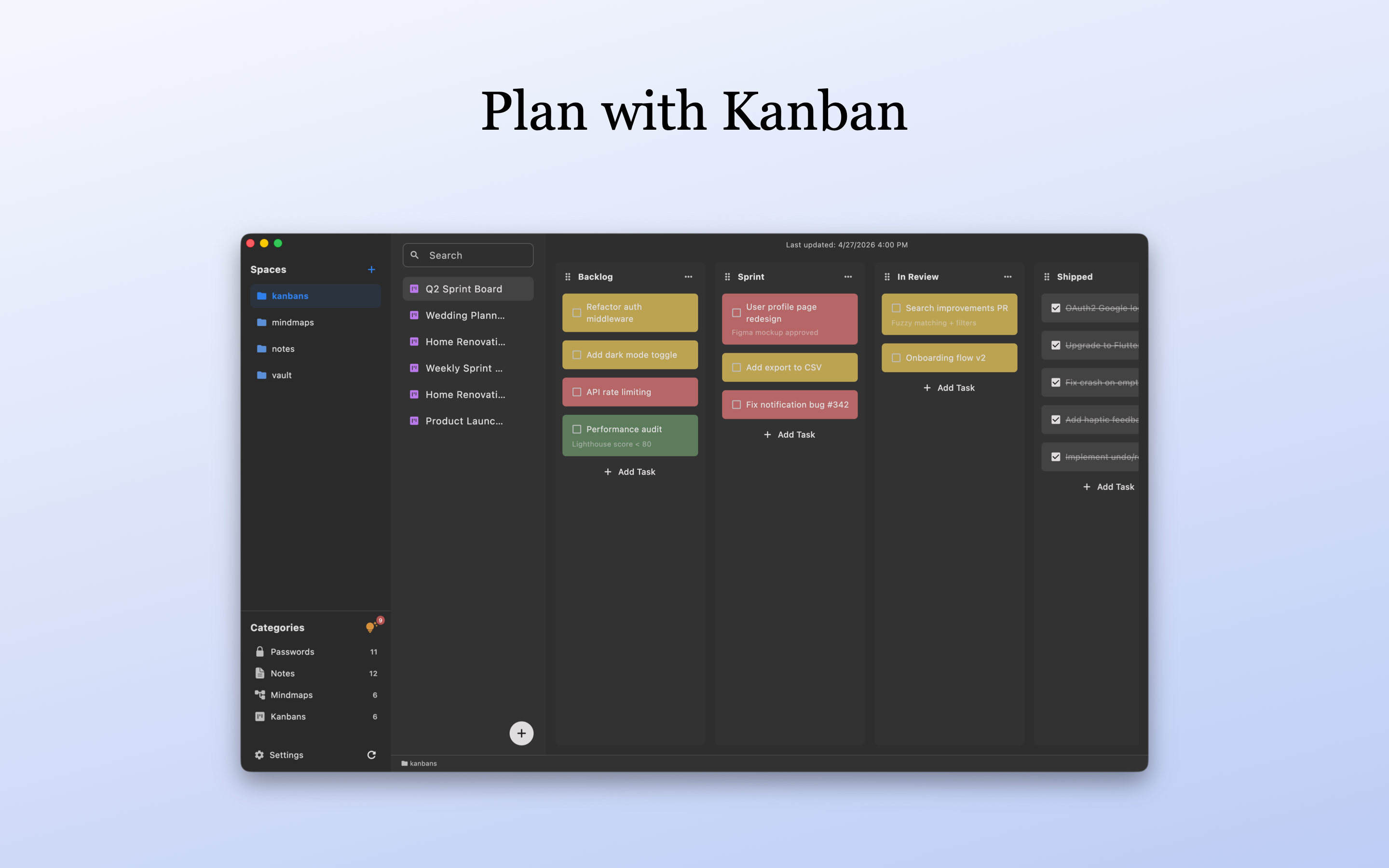
Plan personal work with custom columns, priorities, and due dates. Creating boards requires Pro.
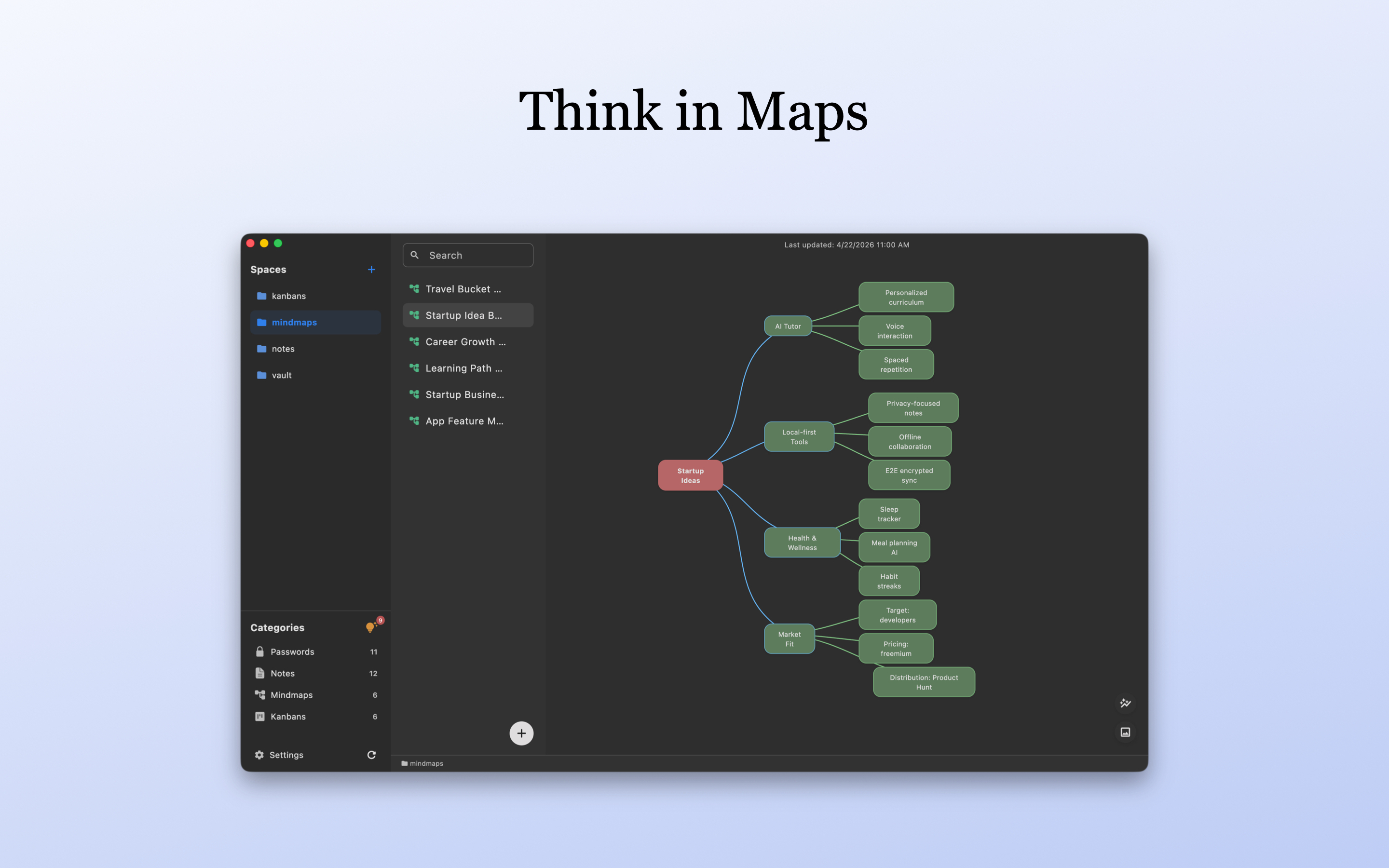
Outline projects and ideas in a lightweight mind map and export PNG images. Creating maps requires Pro.
Keep storage, encryption, and organization clear without pretending cross-platform availability is hosted cloud sync
Workspace content stays in the storage location you choose and is protected by local encryption and a master password.
New workspaces protect content with a master password and local encryption instead of uploading the private workspace to a LocArk-hosted content service.
Use the same spaces, folders, categories, and content types on macOS, Windows, iPhone, iPad, and Android, with interactions adapted to each device.
Back up the complete workspace yourself and export readable content when you need to inspect or move your data.
1: Download & Install
Install LocArk from the official app store for your current platform.
2: Choose Storage Directory
Choose a workspace storage folder on first launch. LocArk keeps content there so you can back it up, sync it, or move it on your terms.
3: Start Creating
Create your first space, note, or password entry. Add kanban boards and mind maps when your projects need more structure.
Start using LocArk
Begin with free offline notes and a password vault, then add Pro kanban and mind maps when you need them.
These questions will help you better understand LocArk's powerful features and how to enhance your knowledge management experience.
The free plan includes notes, password records, Inbox, and workspace organization. You can create and edit offline notes and password entries without Pro.
Creating kanban boards and mind maps requires Pro. Pro also removes the free plan limit on custom password templates. Existing content stays viewable and editable after downgrade.
Yes. The core workspace runs locally without depending on a LocArk-hosted content service. Installation, updates, purchases, and Pro activation or verification still use their respective network services.
The workspace lives in a storage location you choose. New workspaces use local encryption and a master password, and you remain responsible for backup, export, and migration choices.
LocArk keeps the same workspace structure on macOS, Windows, iPhone, iPad, and Android. Cross-device access depends on a sync location you choose and that your platforms support; LocArk does not provide hosted cloud sync.
You can back up the complete workspace and use app export to create readable content for archiving, inspection, or migration into another workflow.
Our blog shares LocArk tips, best practices and release updates. Every new article helps you master advanced features. Let’s build a better knowledge experience together.
A practical LocArk workflow that separates encrypted storage, optional folder sync, independent backups, readable exports, and a safe restore test.
A practical guide to setting up LocArk with spaces, categories, folders, notes, passwords, kanban boards, mind maps, Inbox, backup, and export boundaries.
LocArk 1.1.1 introduced Inbox, a quick-capture space for ideas, links, and loose tasks, plus workflow polish and desktop compatibility fixes.
A practical checklist for privacy-conscious users comparing local-first software, offline notes, user-controlled storage, encryption, backups, and migration options in 2026.