 LocArk
Press kit
Official descriptions, product facts and assets for writing about LocArk.
Descriptions
One-line description
LocArk is a local-first workspace for notes, password records, kanban boards and mind maps, available on macOS, Windows, iPhone, iPad and Android.
Boilerplate
LocArk is a local-first workspace app for individuals. It brings Markdown notes, password records, personal kanban boards, mind maps and a quick-capture Inbox into a single workspace stored in a location the user chooses. New workspaces are locally encrypted and protected by a master password, and core features work offline. LocArk is available on macOS, Windows, iPhone, iPad and Android through official app stores, with the same workspace structure across desktop and mobile. Notes, password records and Inbox are free; creating kanban boards and mind maps requires LocArk Pro. LocArk is developed by SELFARK LTD.
Product facts
- Developer
- SELFARK LTD
- Category
- Productivity / personal knowledge management
- Platforms
- macOS, Windows, iPhone, iPad and Android, with the same workspace structure across desktop and mobile
- Availability
- Mac App Store, Microsoft Store, App Store and Google Play; the website does not distribute installers (Download)
- Pricing
- The free plan includes notes, password records and Inbox; creating kanban boards and mind maps requires Pro, available as an annual or lifetime purchase (Pricing)
- Features
- Markdown notes, password records, personal kanban boards, mind maps and a quick-capture Inbox; spaces, categories and nested folders
- Storage & sync
- The workspace is stored in a location the user chooses. LocArk does not provide hosted cloud sync; users can place the workspace in a sync folder of their choice
- Data & privacy
- Workspace content stays in the storage location the user chooses and is never uploaded to LocArk. The app contains no analytics or tracking SDK. Free features need no personal data; Pro verification uses an email address, purchase records and basic device information (Privacy Policy)
- Account
- No LocArk account is needed for everyday use; Pro is verified across platforms with an email code
- Not included
- AI features, team collaboration, browser or system autofill
Assets
The app icon and screenshots may be used to write about or list LocArk. Please do not alter the icon's proportions or colors. Content shown in screenshots is demonstration data.
App icon
App icon
1024 × 1024 PNG
Download LocArk app icon

Desktop screenshots
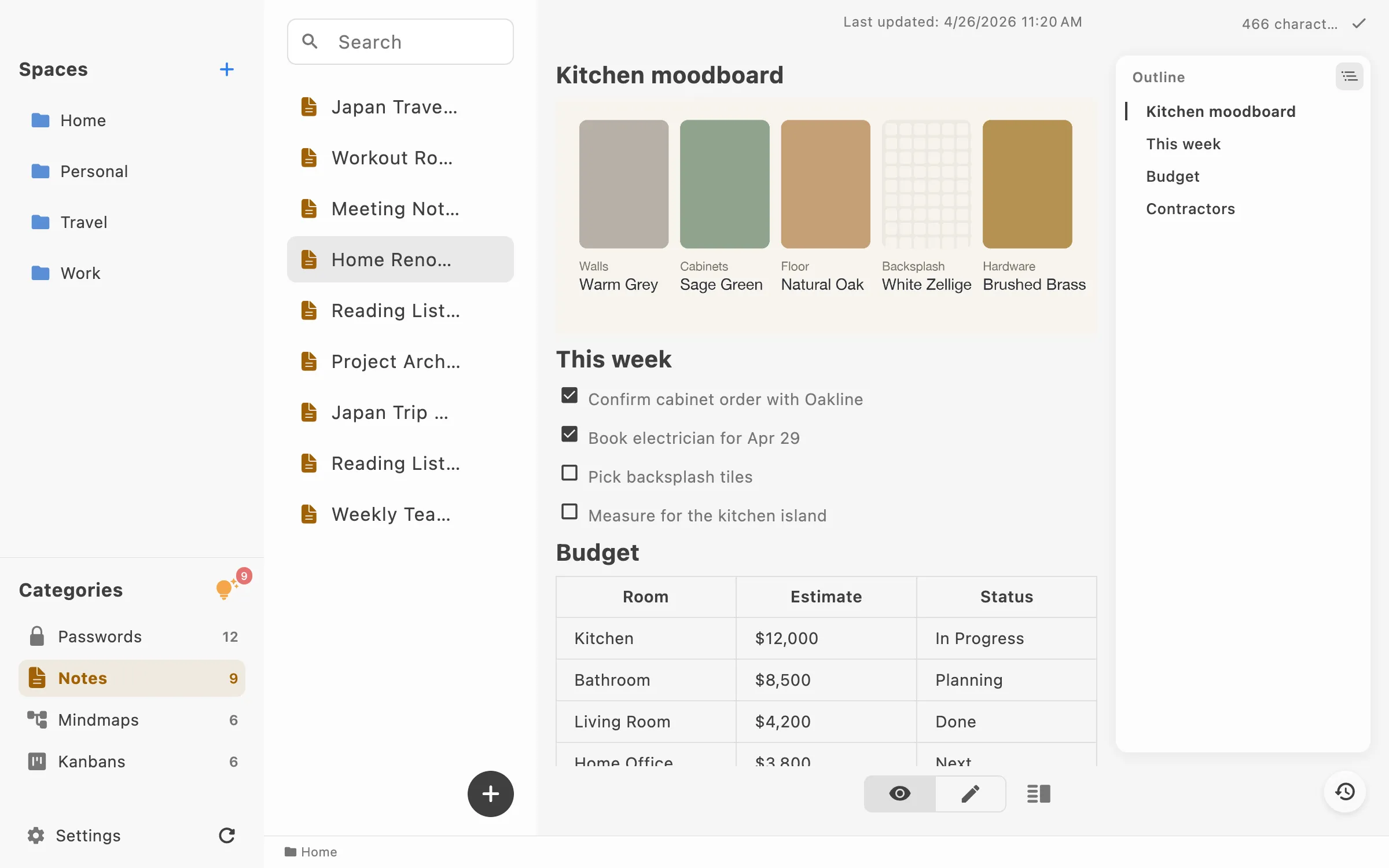
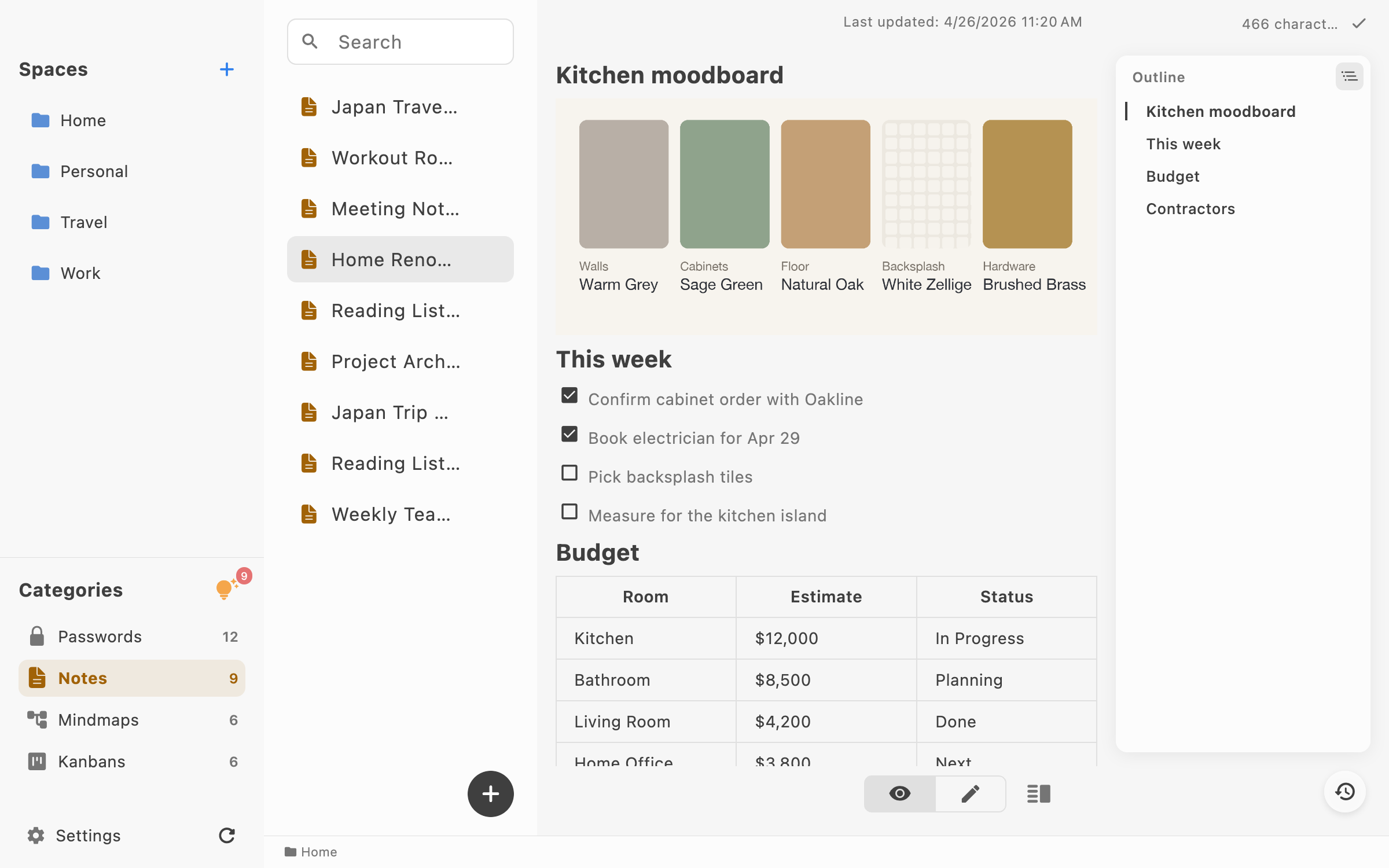
Notes
2400 × 1500 PNG
Download LocArk desktop app showing a Markdown note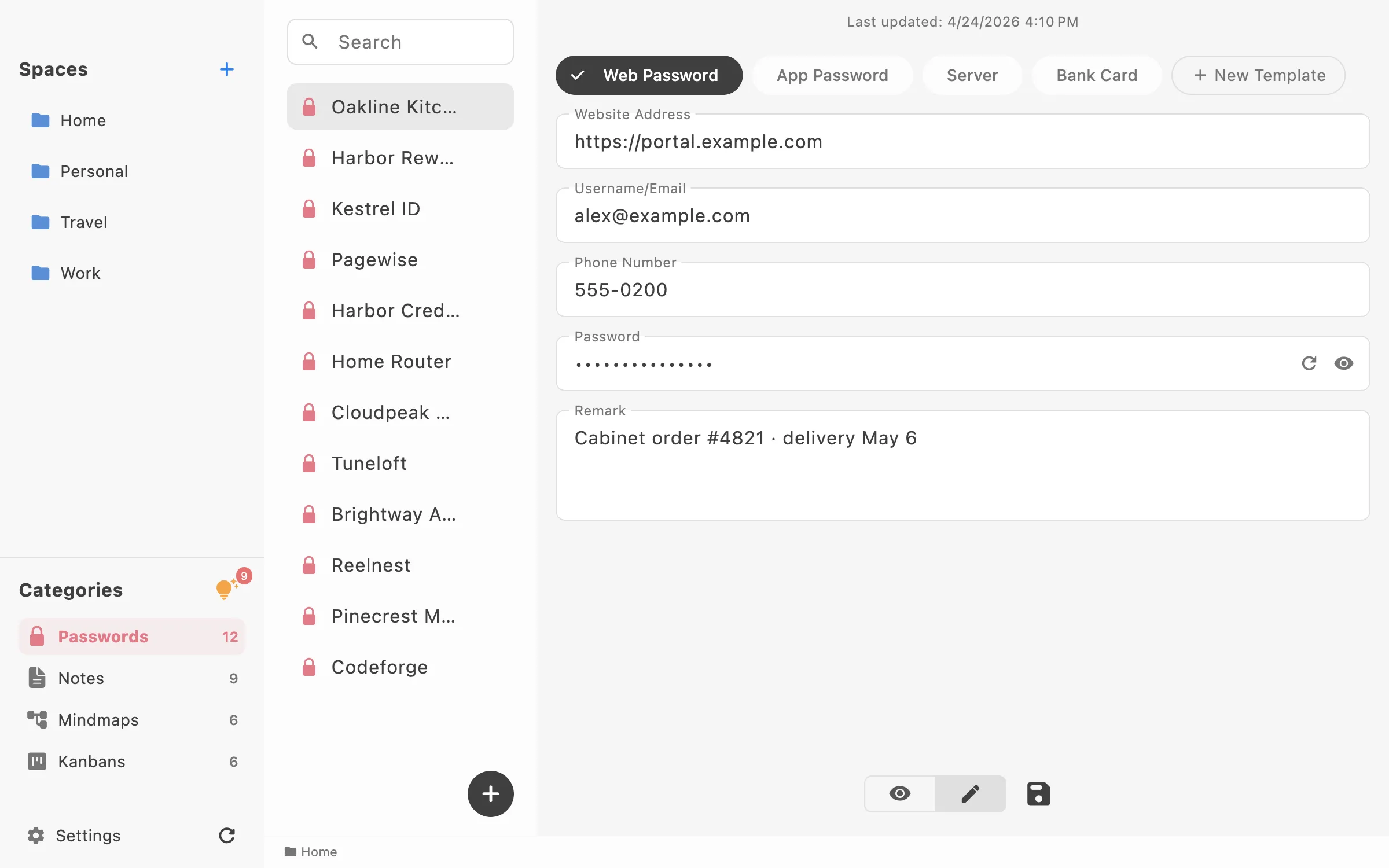
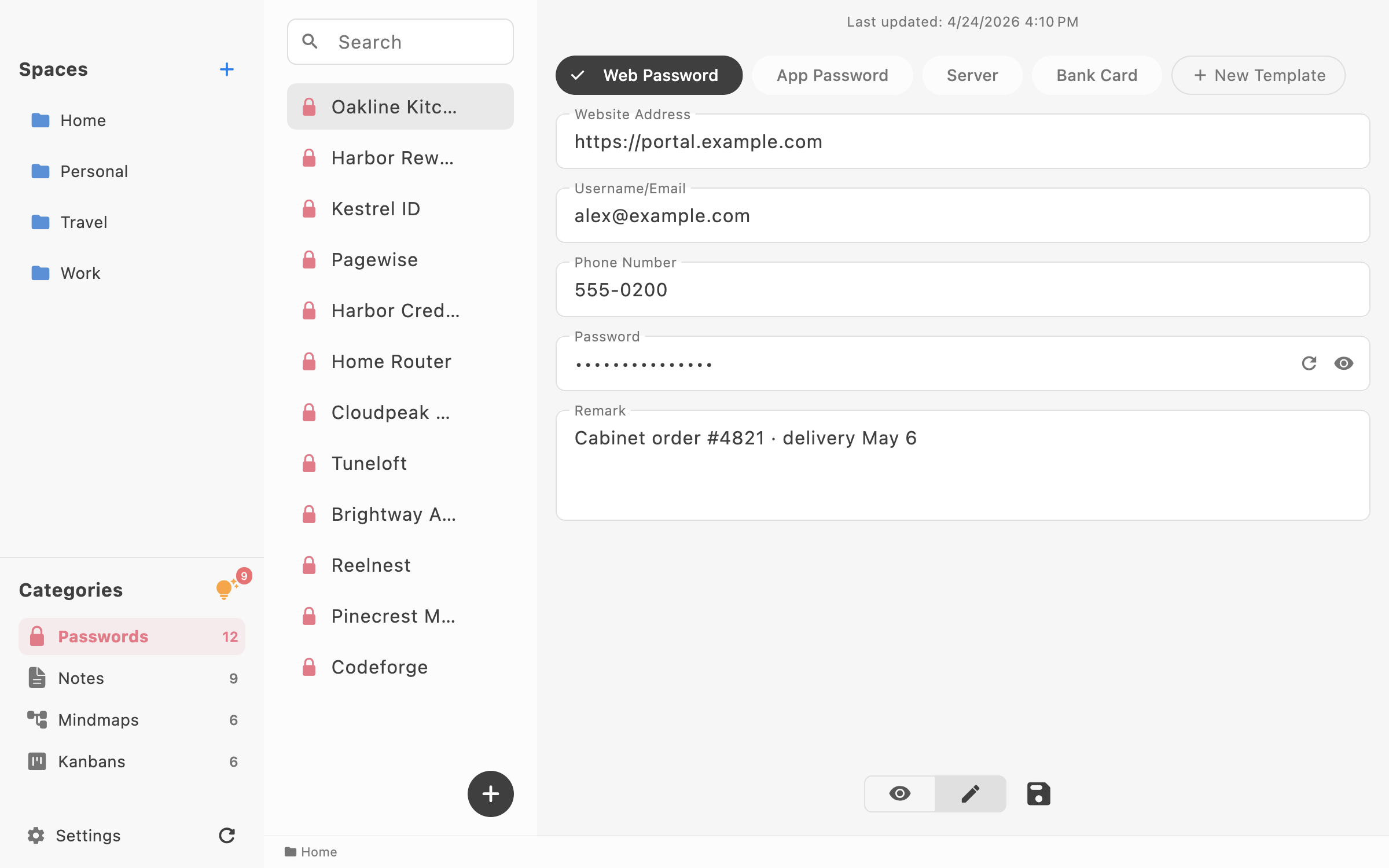
Passwords
2400 × 1500 PNG
Download LocArk desktop app showing a password record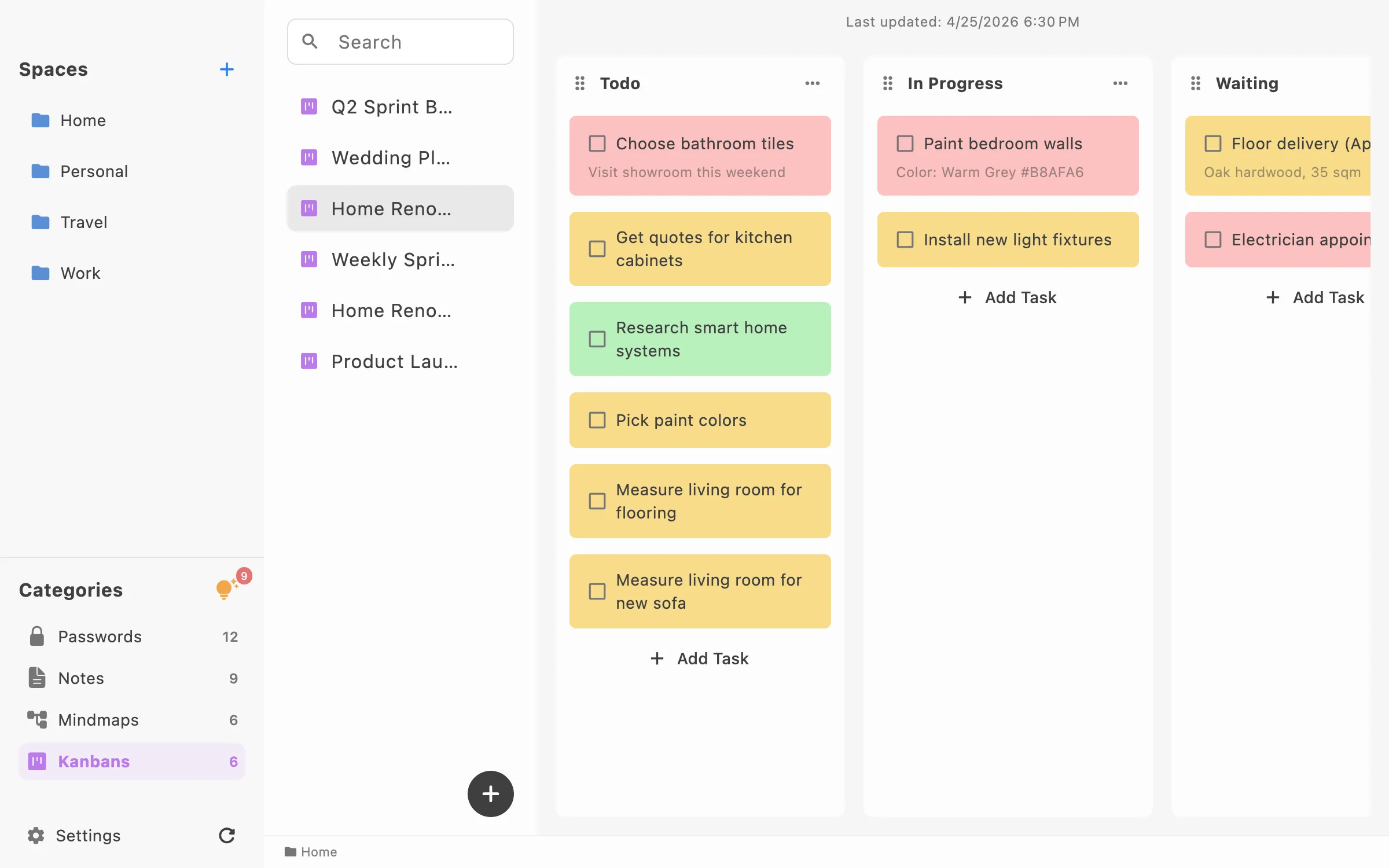
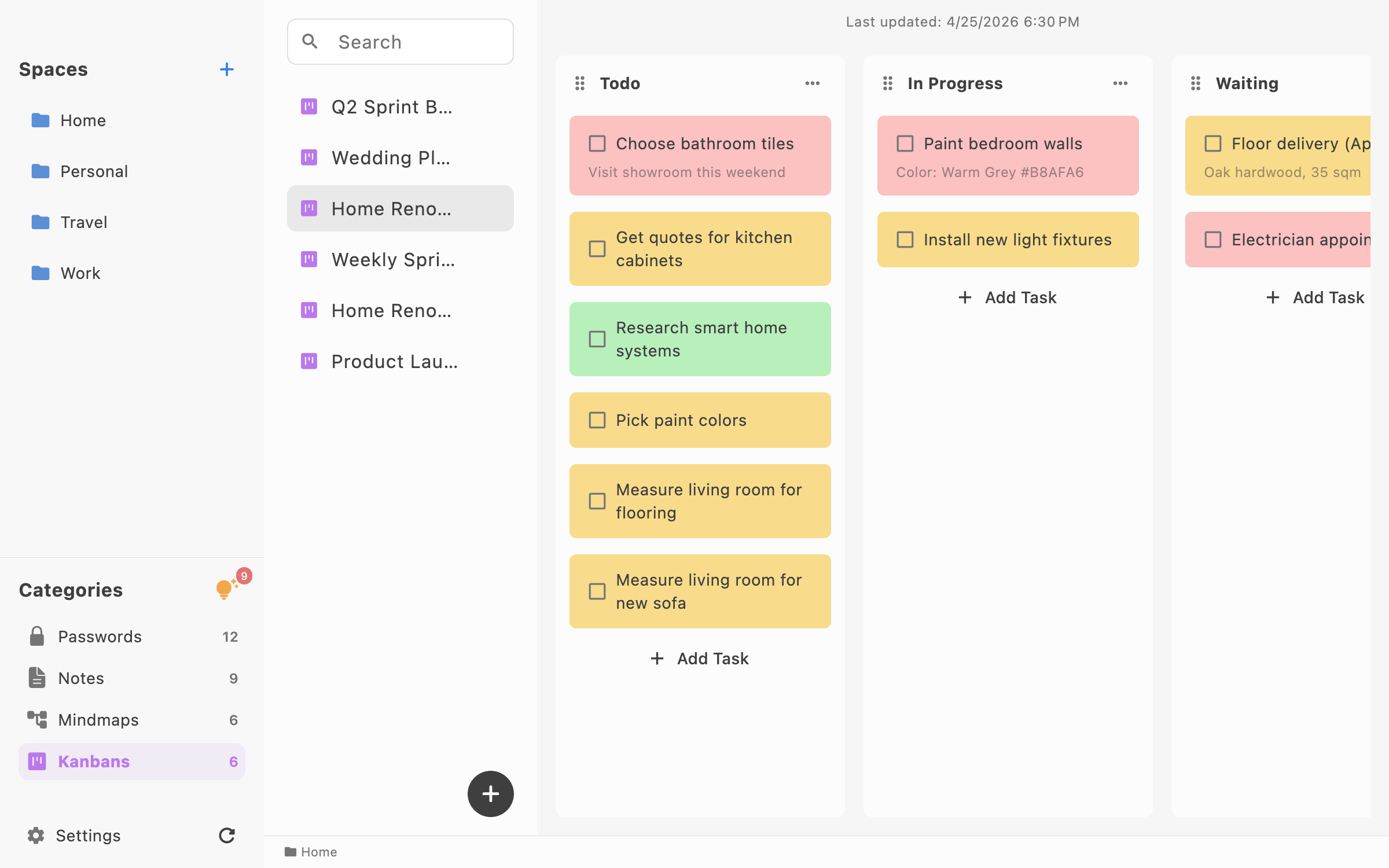
Kanban
2400 × 1500 PNG
Download LocArk desktop app showing a personal kanban board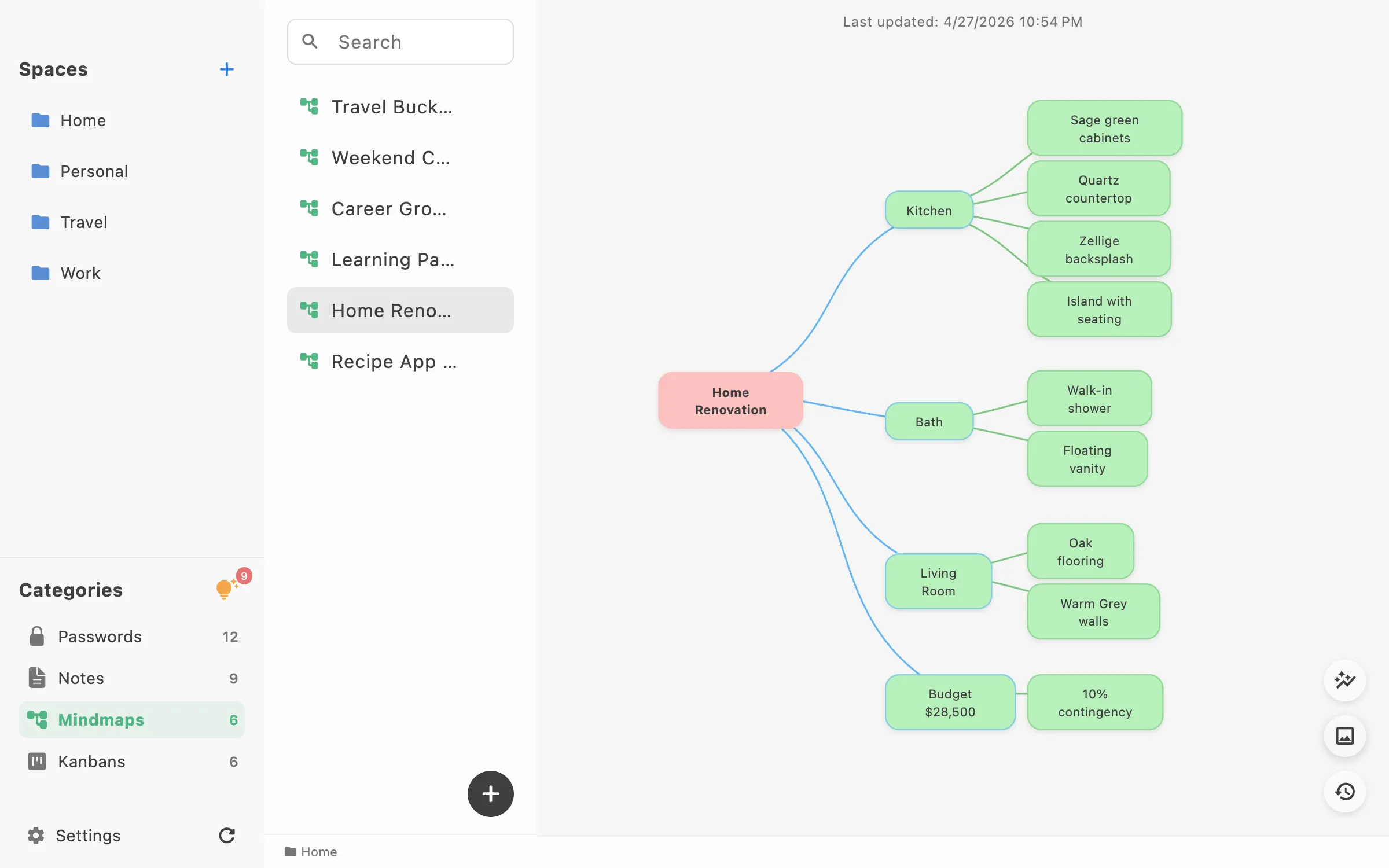
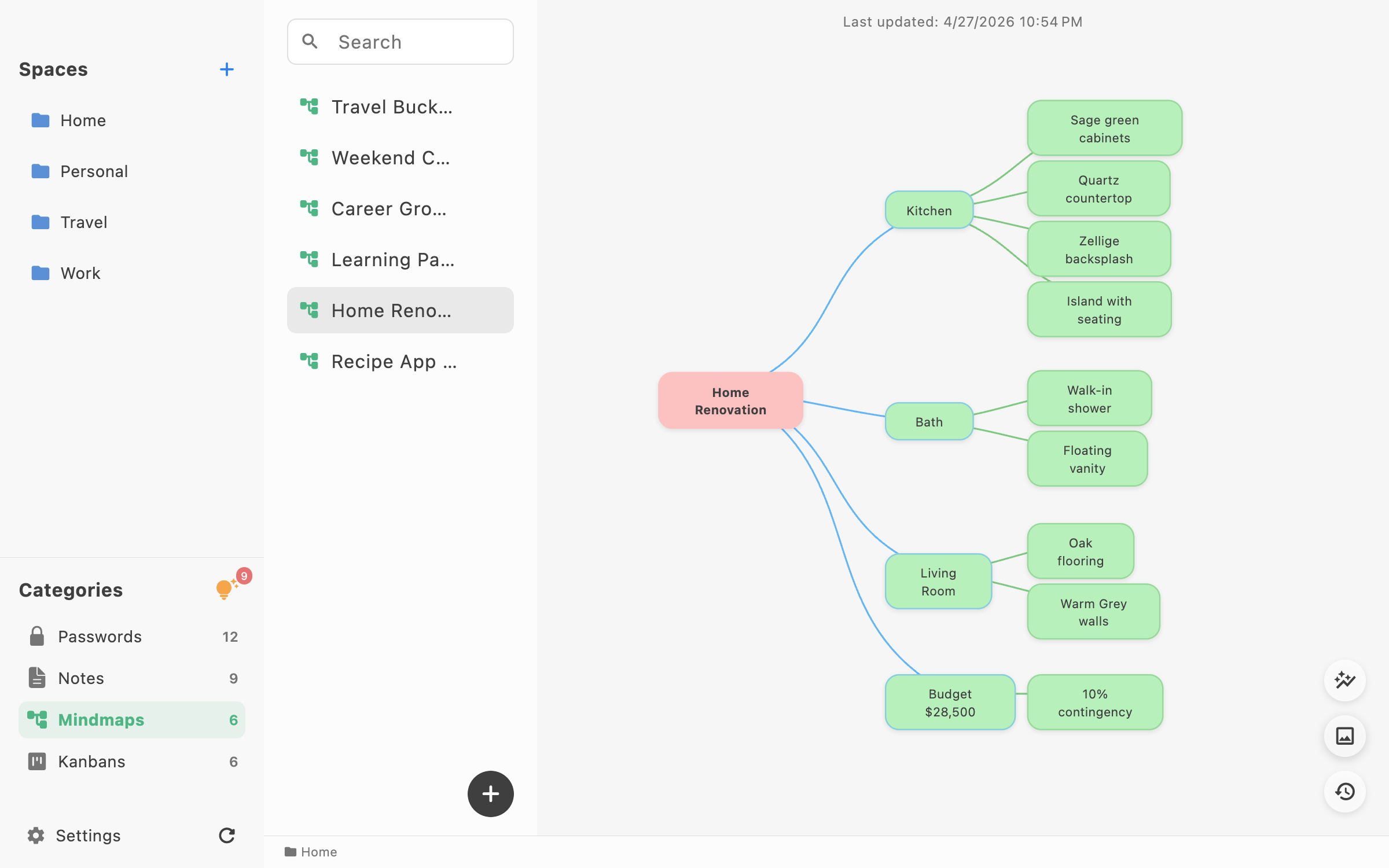
Mind map
2400 × 1500 PNG
Download LocArk desktop app showing a mind map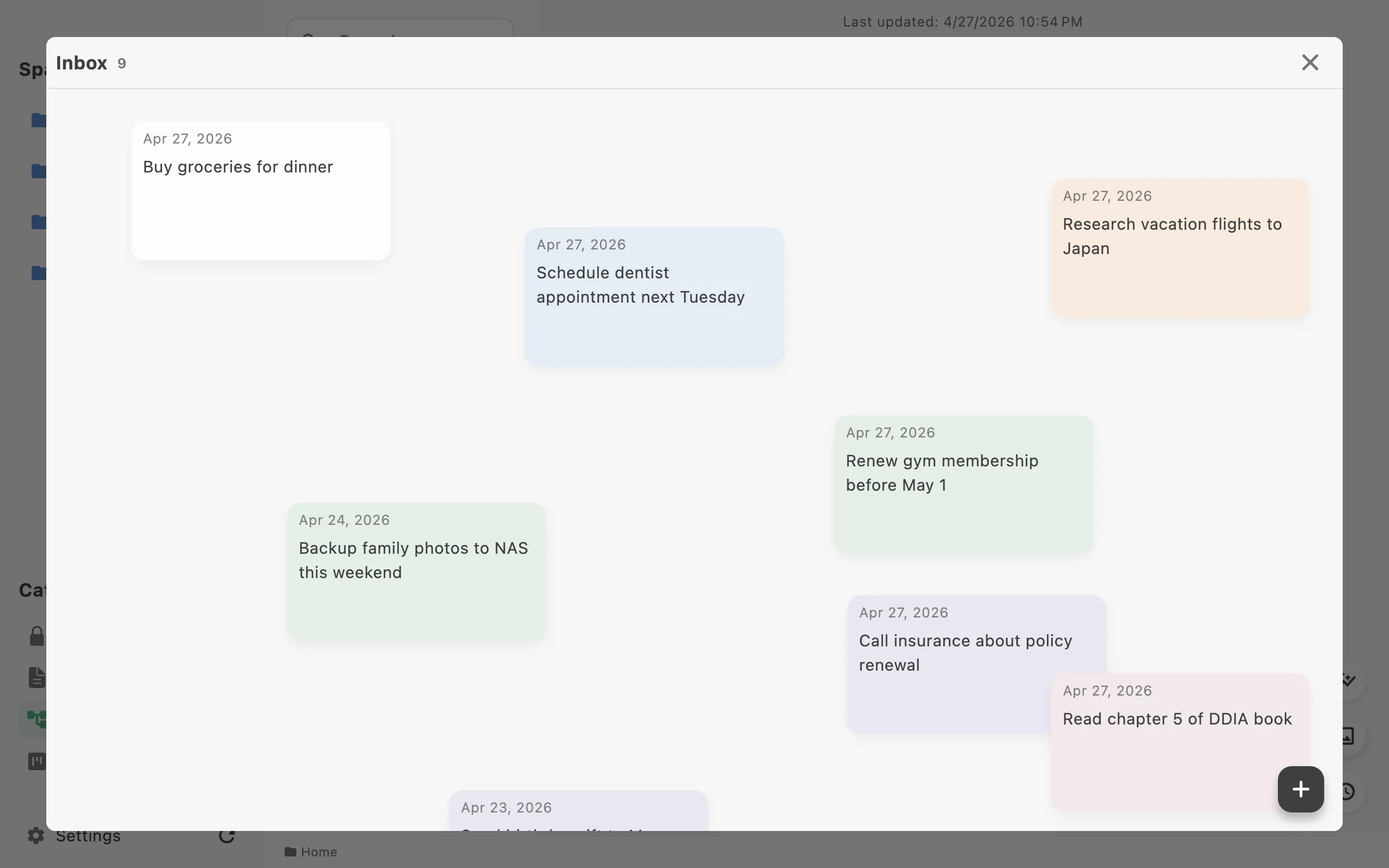
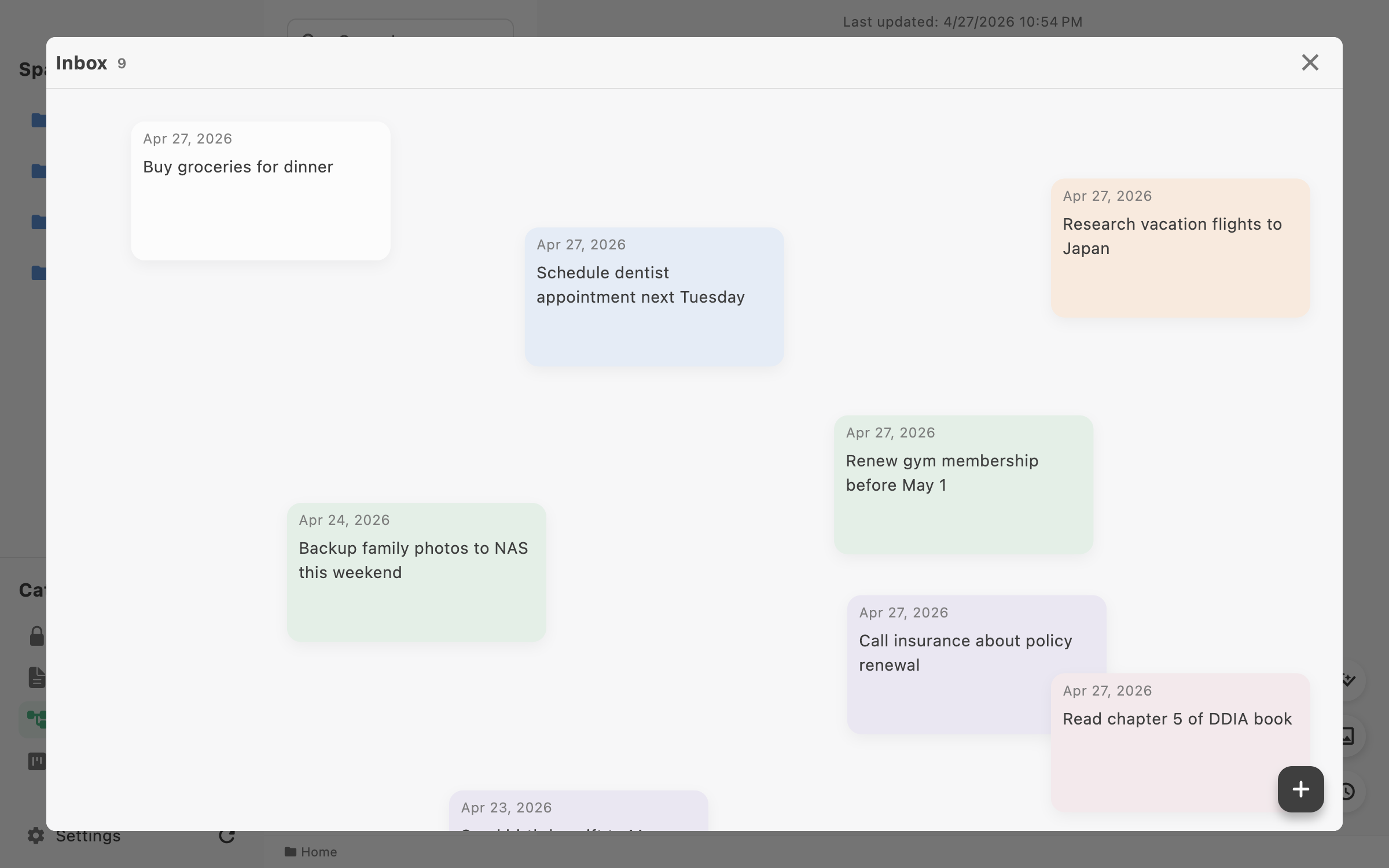
Inbox
2400 × 1500 PNG
Download LocArk desktop app showing the Inbox
iPhone screenshots
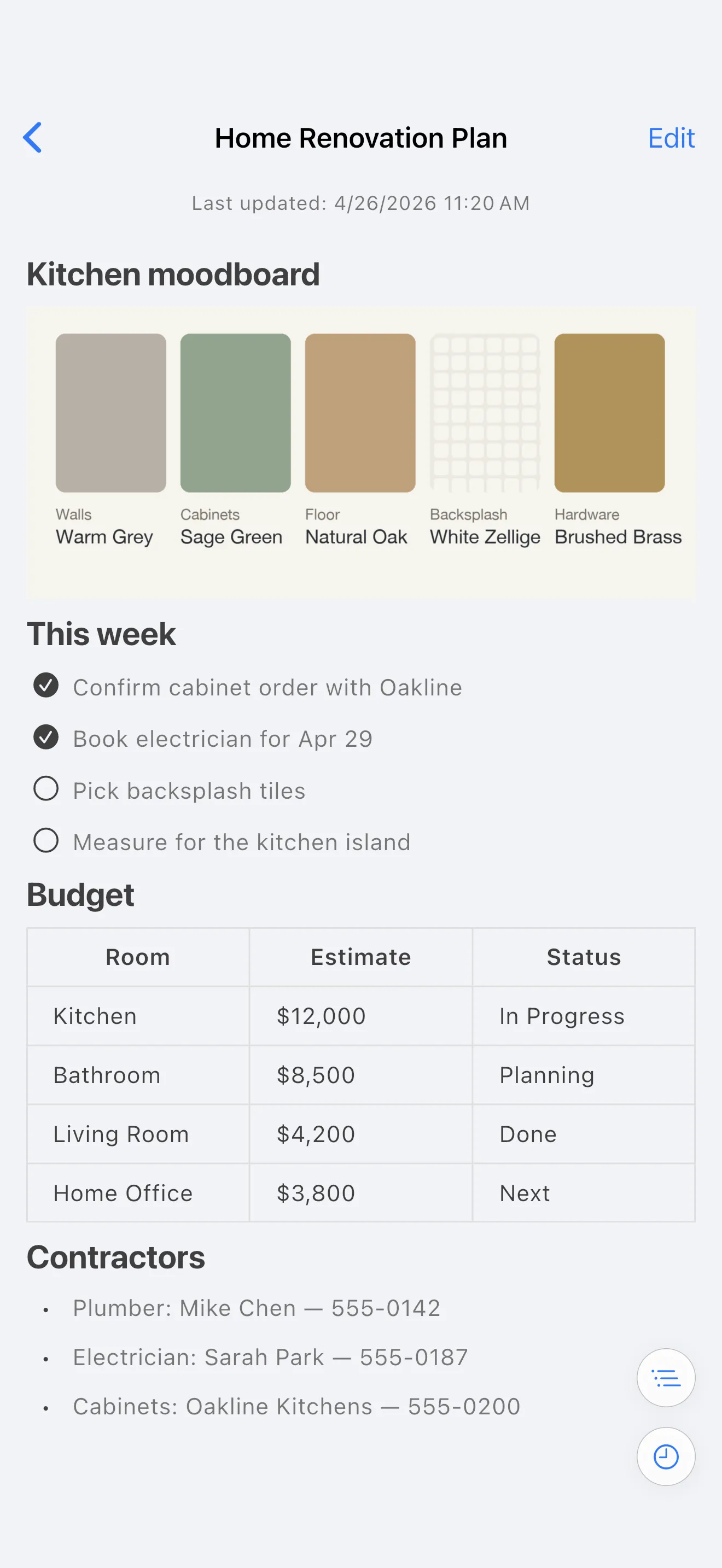
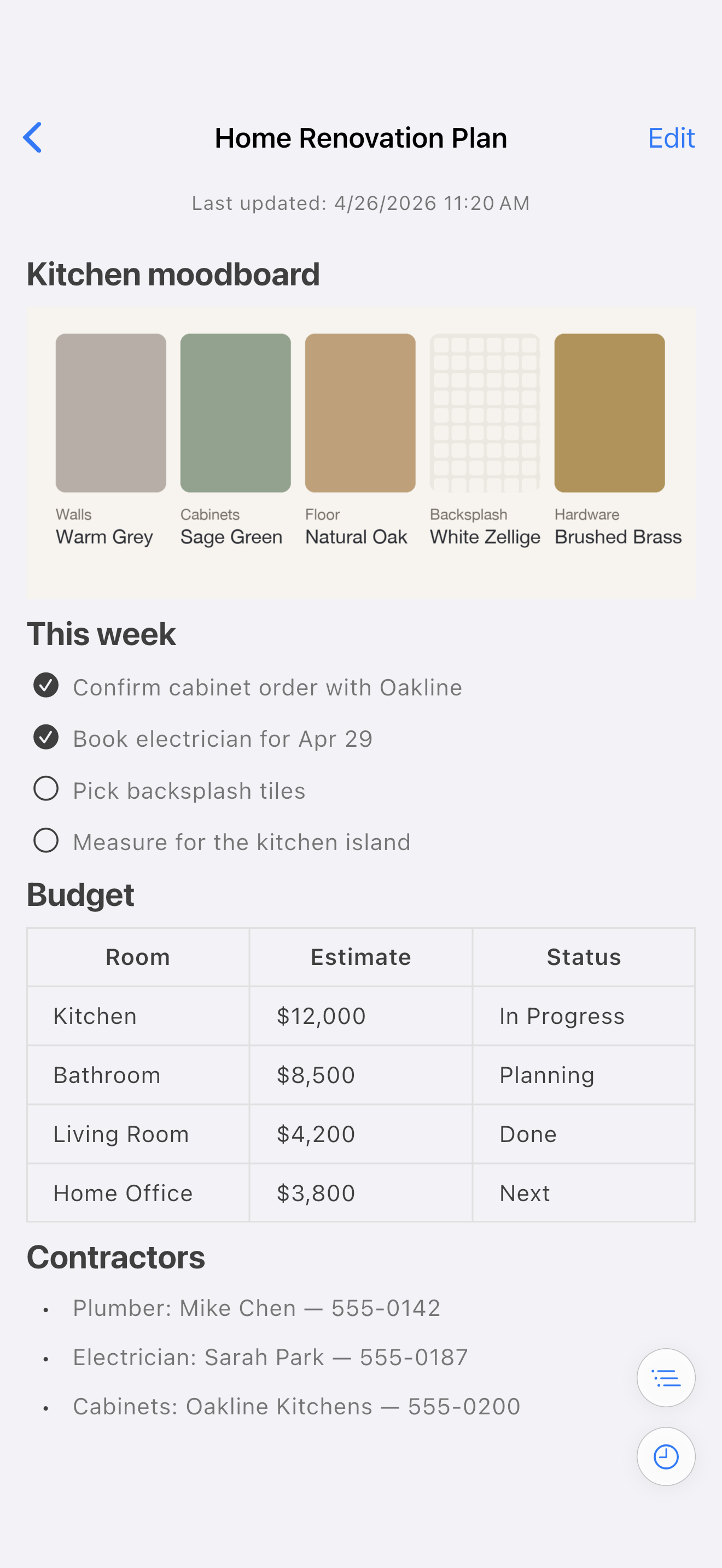
Notes
1320 × 2868 PNG
Download LocArk on iPhone showing a Markdown note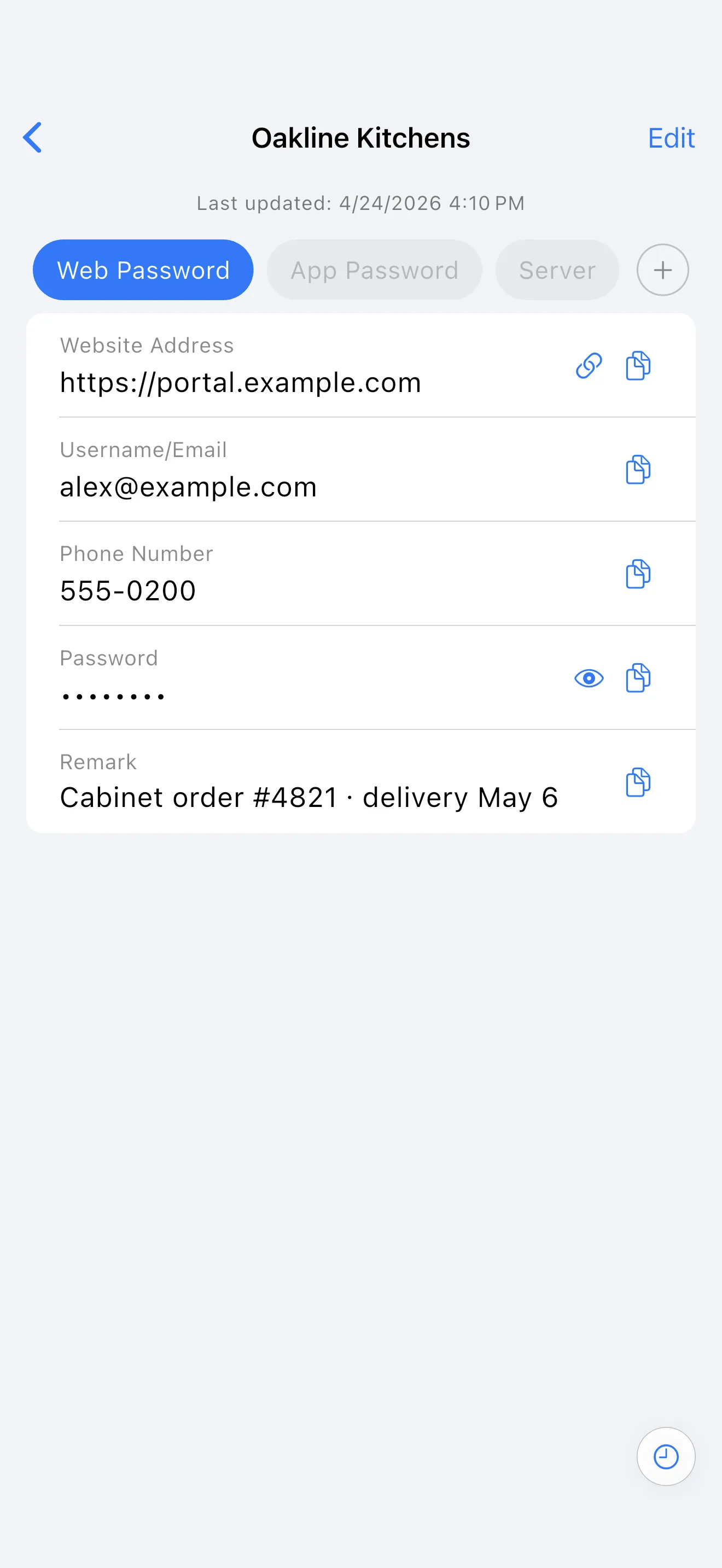
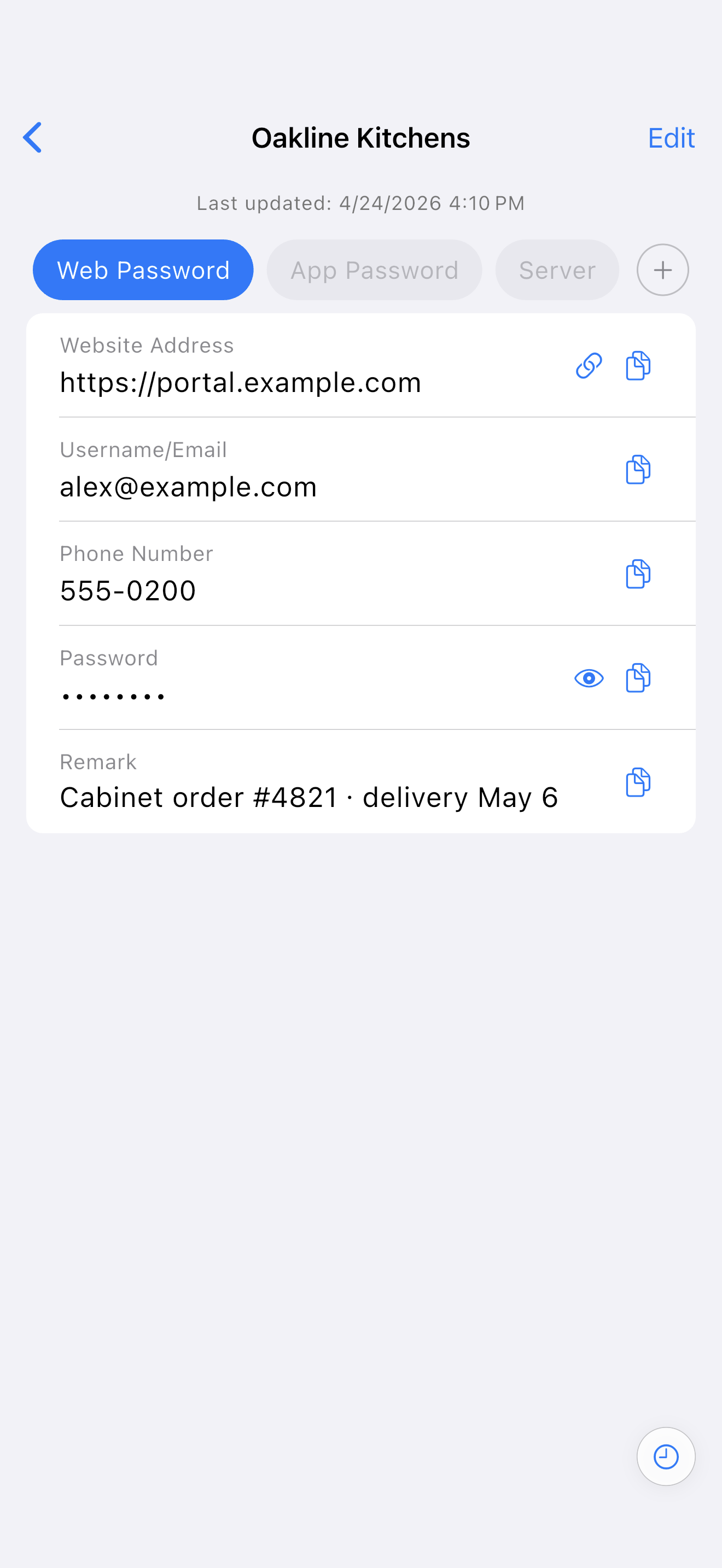
Passwords
1320 × 2868 PNG
Download LocArk on iPhone showing a password record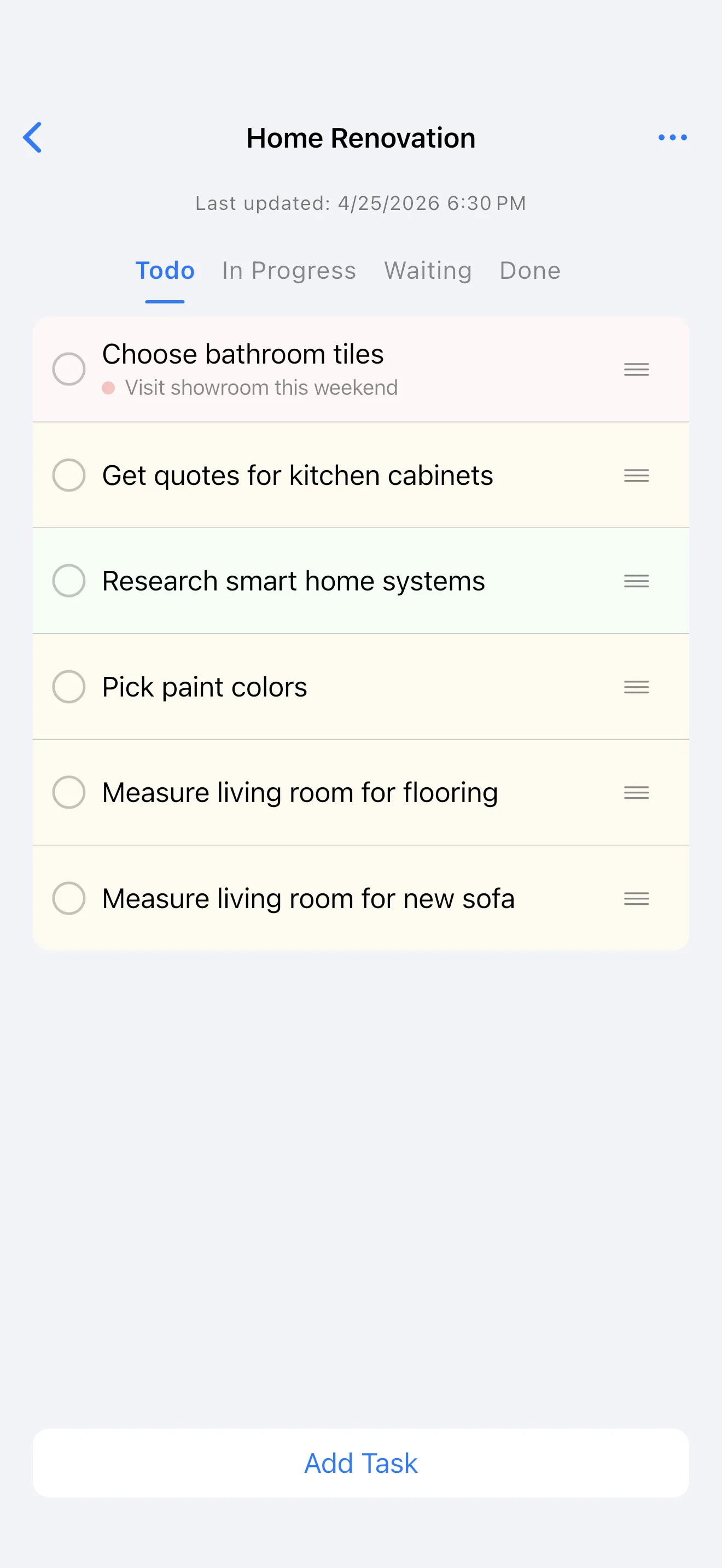
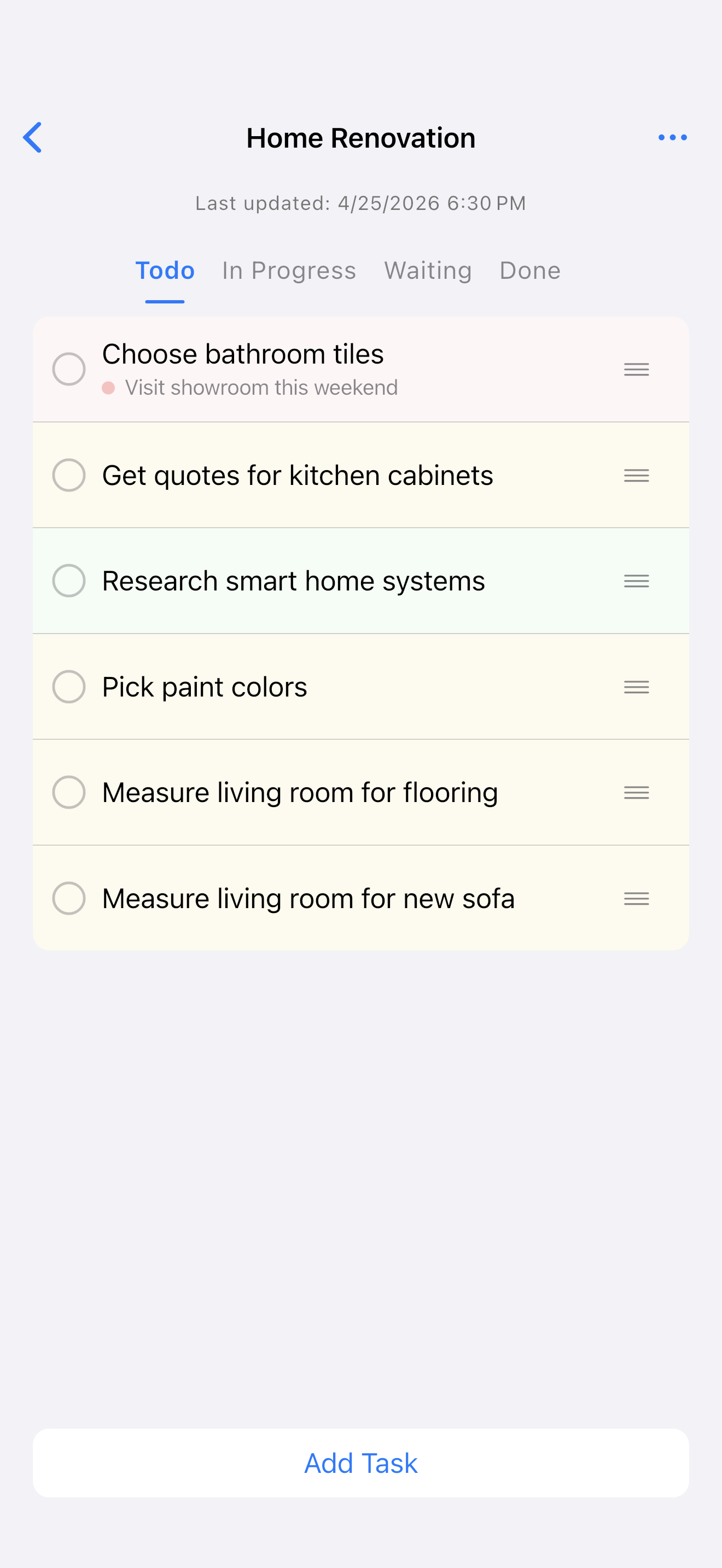
Kanban
1320 × 2868 PNG
Download LocArk on iPhone showing a personal kanban board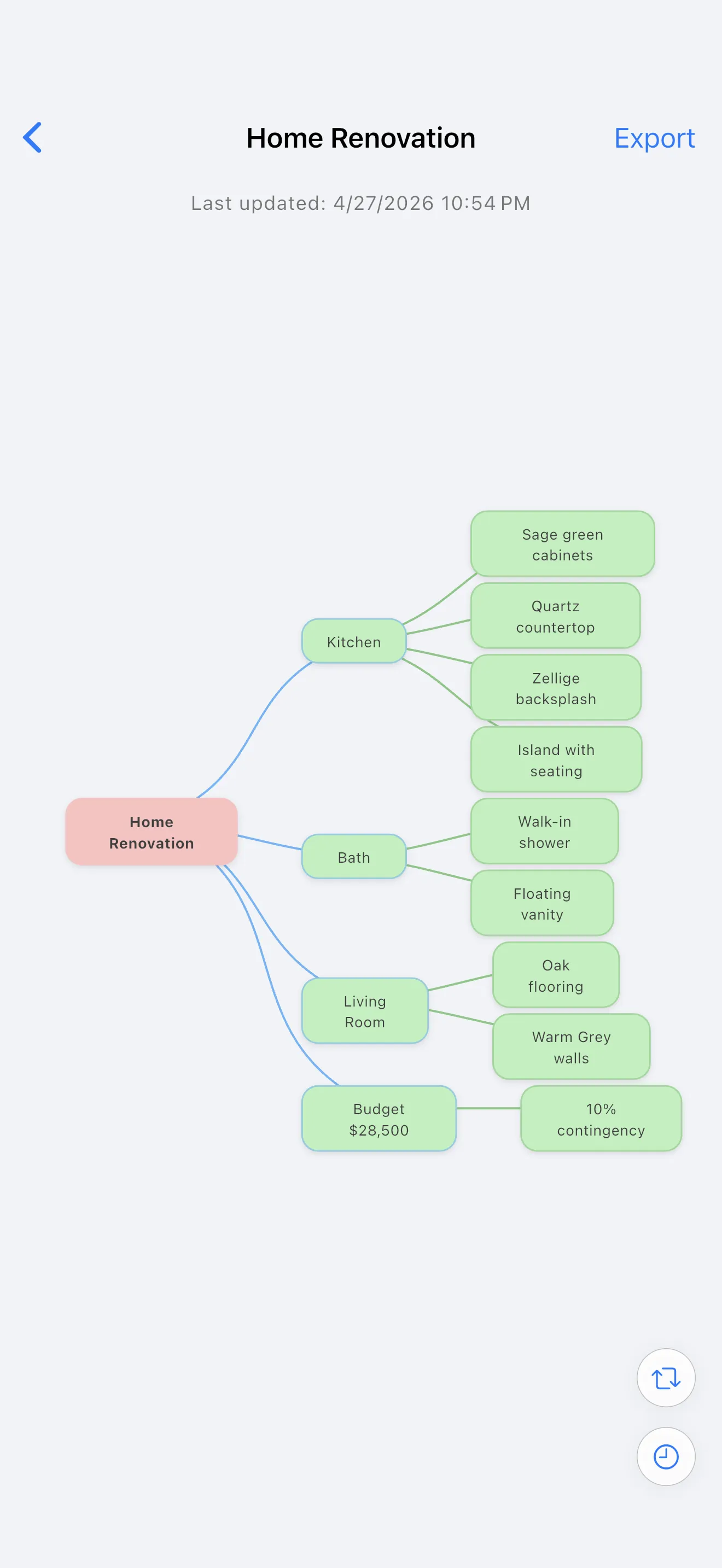
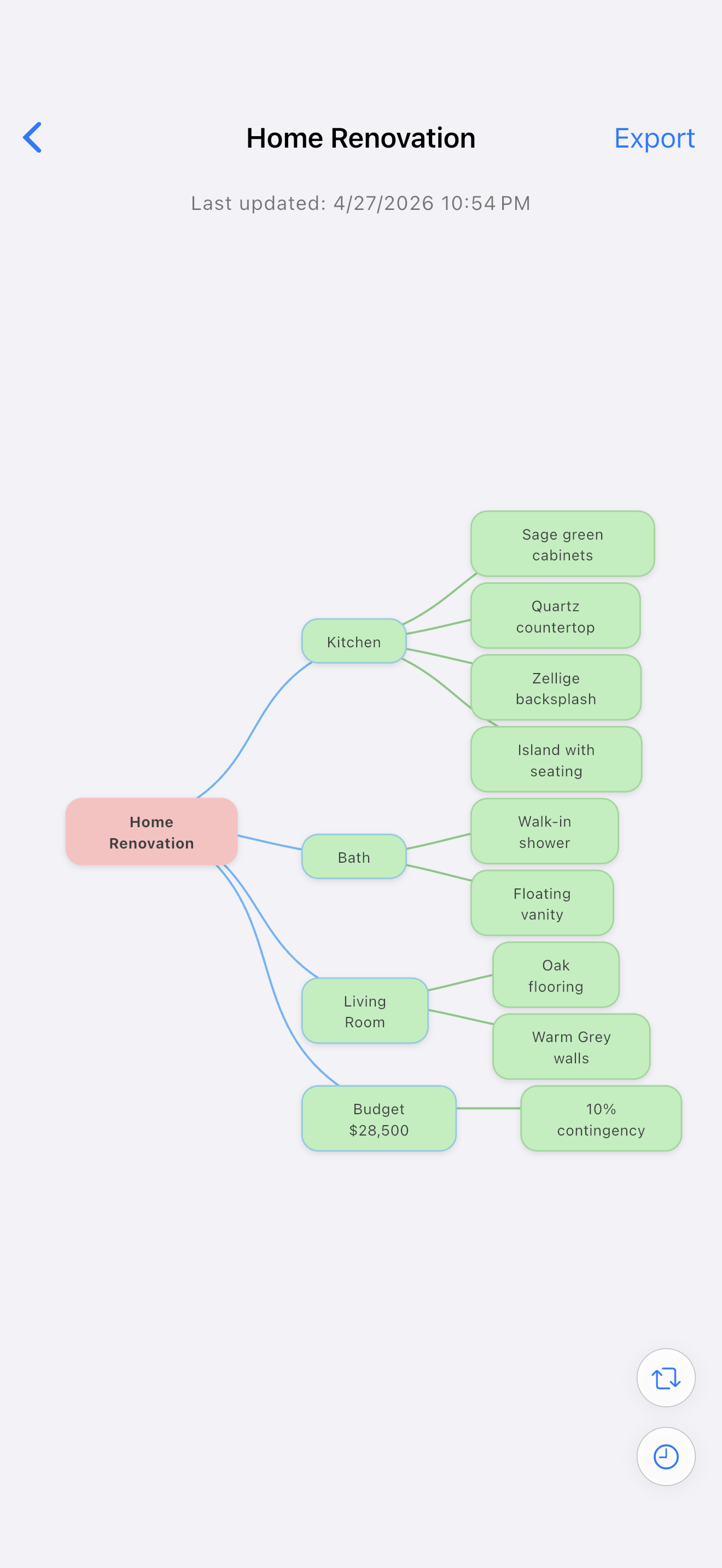
Mind map
1320 × 2868 PNG
Download LocArk on iPhone showing a mind map
Contact
For additional assets or fact checks, email support@locark.com.